
PhotoRobot rendszerek telepítése és kezelői képzése
Egy vadonatúj PhotoRobot rendszer leszállítása után tapasztalt technikusaink telepítik a megoldást, és betanítják az operátorokat a használatára. Ez magában foglalja a rendszer helyes összeszerelésének és megfelelő működésének biztosítását. Így a csapatok gyorsan kiaknázhatják a PhotoRobot teljes potenciálját. Az alábbi dokumentáció leírja a rendszer telepítésének, a gépek és tartozékok összeszerelésének és tesztelésének, valamint az azt követő operátori képzésnek a szakaszait. Információkat talál a PhotoRobot eszközök utólagos karbantartásáról, valamint a PhotoRobot szakemberek utazási és szállásköltségeiről is.
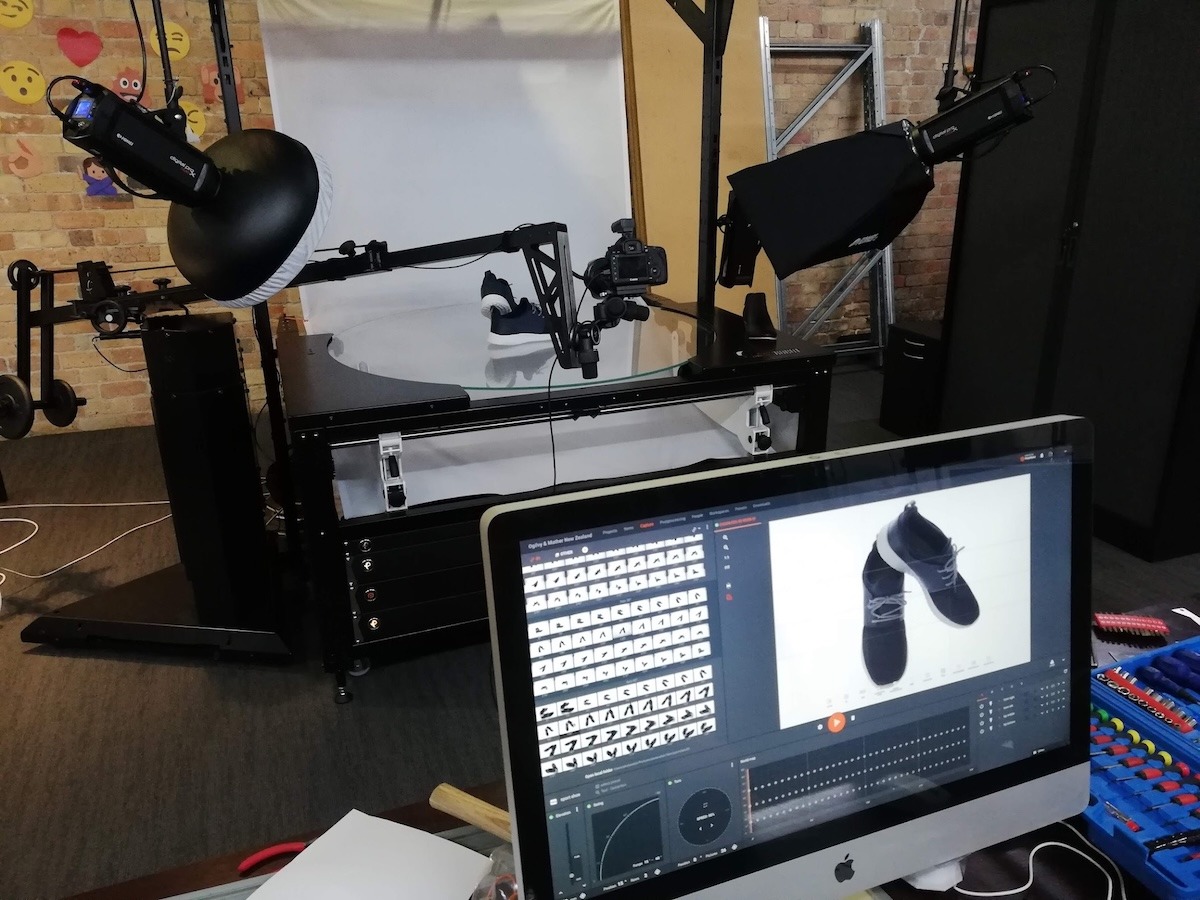
Megjegyzés: A rendszer telepítésének és képzésének előfeltételeinek megértéséhez lásd a PhotoRobot Telepítési Készültség és Szállítás című dokumentumot.
PhotoRobot rendszer telepítése
Egy új PhotoRobot rendszer telepítésének első szakasza magában foglalja a gép helyes összeszerelését és a megfelelő működés biztosítását.
Ezt megelőzően egy PhotoRobot értékesítési csapat tagja ismerteti a telepítés általános szervezését, annak hatókörét (a szállított gépek számának és a tervezett megvalósítási módszernek megfelelően), a feltételeket és a kapcsolódó költségeket.
Eközben a telepítést és a képzést csak akkor szabad szilárdan megtervezni, ha nincs kétség a gépek telepítési helyre történő szállításának dátumát illetően. Például késedelmek adódhatnak vámeljárások vagy egyéb akadályok miatt.
Gépek és tartozékok összeszerelése és tesztelése
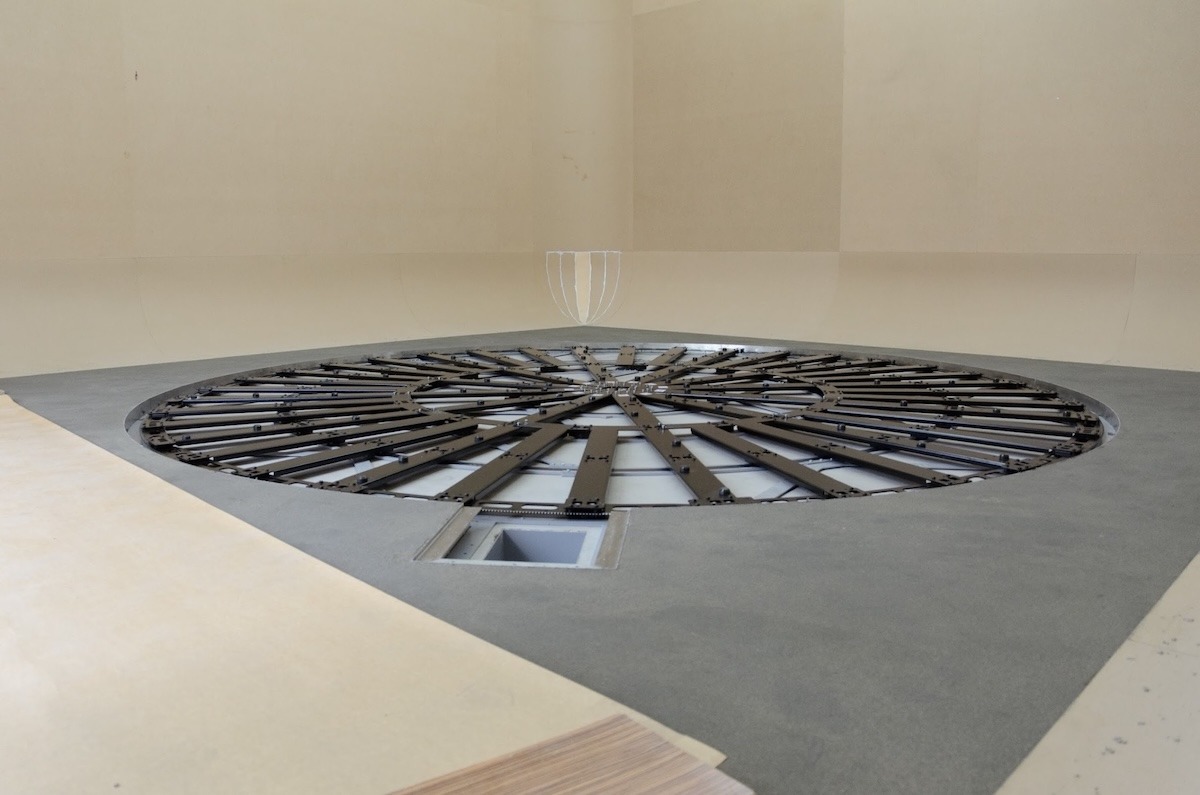
Egy PhotoRobot rendszer leszállítása után a technikusok kicsomagolják a berendezést, összeszerelik, és üzemkész állapotba hozzák. Ezután bemutatják a teljes rendszer működését az ügyfélnek.
Fontos: Az eszköz és a tartozékok összeszereléséhez és teszteléséhez a telepítési folyamat egyik első lépése a gépek csatlakoztatása az ügyfél LAN-jához. Ehhez a hálózati készenlét a PhotoRobot Networking Prerequisites szerint várható el.
Megjegyzés: A PhotoRobot CASE 850-et úgy tervezték, hogy a szállító cég szállítsa a telepítési helyszínre, míg az ügyfelek önállóan, egy részletes kézikönyv segítségével összeállíthatják és beállíthatják a CASE-t. Azonban az ilyen eljárások nem ajánlottak bonyolultabb berendezések esetén.
Képzés kezelőknek
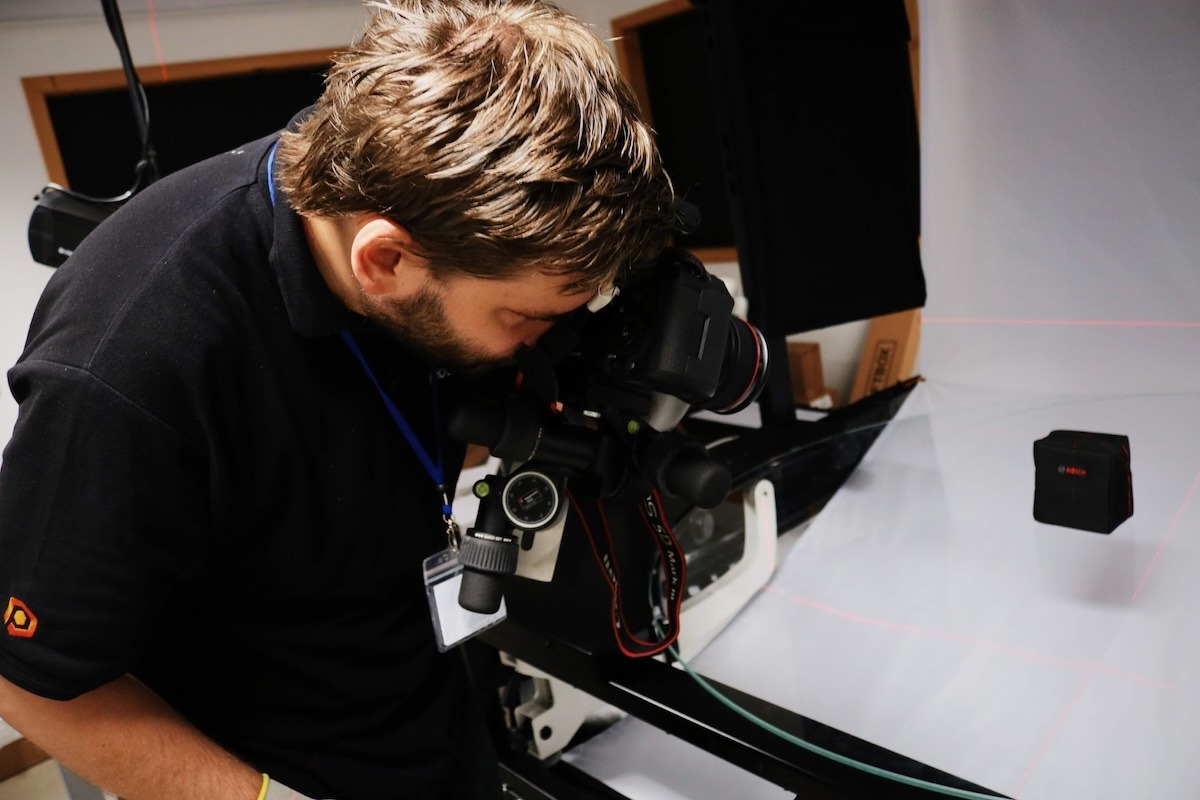
A telepítés befejezése után javasoljuk a PhotoRobot fotózási és/vagy szoftverfejlesztési szakértőink képzését. A szakértők értékes betekintést és utasításokat fognak megosztani a PhotoRobot konfigurációjának maximális termelékenységének eléréséhez, és az Ön és kollégái zökkenőmentes bevezetésének biztosításához.
Ennek a képzésnek a jövőbeli automatizált fotózáshoz szükséges előbeállítások elkészítésére is összpontosítania kell.
Ezután a képzési tananyag az egyéni ügyféligényekhez igazítható, és megegyezésre kerül a PhotoRobot képviselőjével. Azonban a javasolt időtartamnál rövidebb képzési időszakok esetén szükséges, hogy csak bizonyos területeket fedjen le röviden, vagy pontokat teljesen kihagyjon. (Legalább az operátornak tudnia kell, hogyan indítsa el a rendszert, és hogyan kezdjen el egy fotózást.)
Utógondozás
A kezdeti telepítés és kezelői képzés után a rendszer használatra kész.
Nagyobb projektek esetén jellemzően azt javasoljuk, hogy szánjon egy rövid időt (néhány napot) a maximális teljesítményszint elérésére. Időbe telik, amíg a csapatok elsajátítják a rendszert, mielőtt a várható volumen 100%-át tudnák teljesíteni.
Ezenkívül számítson kisebb technikai komplikációkra az első működési hetekben. A rendszer több tíz vagy száz alkatrészből áll, amelyek mindegyike finomhangolást igényel, és több időt vehet igénybe, mint amennyit a telepítésre terveztek.
A frissen képzett operátoroknak is szükségük lehet időnként PhotoRobot szakemberek segítségére az optimális folyamatok elsajátításához és a maximális termelékenység biztosításához.
A PhotoRobot számos támogatási rendszert kínál hasonló helyzetekre, amelyek mindegyike az Ön egyedi és specifikus projektjeihez igazítható. Konzultáljon PhotoRobot szakemberével a részletekért, hogy a teljes folyamat tökéletesen működjön.
Utazási és szállásköltségek PhotoRobot szakemberek számára
Az Ön PhotoRobot tanácsadója mindig megbeszéli a PhotoRobot szakemberek utazási és szállásköltségeit. Kérjük, vegye figyelembe:
- A telepítési technikusok és oktatók utazási és szállási költségeinek kifizetése az ügyfél felelőssége.
- A telepítési technikusok és oktatók utazási, szállási és képzési költségei célpontonként változnak, és a telepítés előtt egyeztetjük Önnel.
- Ha a célország vízumköteles, a PhotoRobot biztosítja a vízumot a személyzete számára, és a felmerült költségeket kiszámlázza az ügyfélnek.
- Egy telepítési nap jellemzően 8 munkaóra, bár rövidebb vagy hosszabb idő is lehetséges, és az ezzel járó díjak arányosan kerülnek felszámításra.
Alapértelmezés szerint a képzés angol (vagy cseh) nyelven történik. Szükség esetén javasoljuk, hogy az ügyfél biztosítson tolmácsot. Előzetes megállapodás alapján azonban a PhotoRobot is biztosíthat tolmácsot. Ha a PhotoRobot biztosítja a tolmácsot, a tolmács díjai megegyeznek a technikusok és oktatók díjaival; a tolmács felkészítésének költsége benne van a díjban.
Megjegyzés: Mivel az árak eltérőek lehetnek, PhotoRobot tanácsadója mindig előzetesen megbeszéli és megerősíti Önnel az utazás, szállás és képzés végső kapcsolódó költségeit. Kérjük, a tényleges költségekért közvetlenül a PhotoRobot tanácsadójától kapott árajánlatra hivatkozzon.
Maximalizálja PhotoRobot készüléke termelékenységét
A mindig elérhető PhotoRobot támogatással biztosítjuk, hogy hardvere és szoftvere tökéletes állapotban maradjon. A támogatási csapat azért létezik, hogy megoldja az operátorok által tapasztalt problémákat, a támogatás árazása pedig a szolgáltatási szerződésen vagy óradíjon alapul. Támogatási szerződés megkötéséhez vagy segítségkéréshez lépjen kapcsolatba PhotoRobot szakemberével.


EOS Rebel sorozat


EOS DSLR sorozat


EOS M tükör nélküli sorozat


PowerShot sorozat


Közeli / Kézi

A Canon EOS Rebel sorozat kezdőbarát DSLR fényképezőgépeket kínál jó képminőséggel, intuitív kezelőszervekkel és sokoldalú funkciókkal. A fotózás szerelmeseinek ideális fényképezőgépek megbízható autofókuszt, változtatható szögű érintőképernyőket és Full HD vagy 4K videofelvételt biztosítanak.
Kapcsolat
Felbontás (MP)
Felbontás
A Canon EOS DSLR sorozat kiváló minőségű képeket, gyors autofókuszt és sokoldalúságot biztosít, így ideális fotózáshoz és videókészítéshez egyaránt.
Kapcsolat
Felbontás (MP)
Felbontás
A Canon EOS M tükör nélküli sorozat a kompakt kialakítást a DSLR-hez hasonló teljesítménnyel ötvözi. A cserélhető objektívekkel, gyors autofókusszal és kiváló minőségű képérzékelőkkel rendelkező kamerák kiválóan alkalmasak az utazók és a tartalomkészítők számára, akik a képminőség feláldozása nélkül keresik a hordozhatóságot.
Kapcsolat
Felbontás (MP)
Felbontás
A Canon PowerShot sorozat kompakt, felhasználóbarát fényképezőgépeket kínál az alkalmi fotósok és a rajongók számára. Az egyszerű point-and-shoot-tól a fejlett zoomkamerákig terjedő modellekkel kényelmet, stabil képminőséget és olyan funkciókat biztosítanak, mint a képstabilizálás és a 4K videó.
Kapcsolat
Felbontás (MP)
Felbontás
A Canon közeli és kézi kamerákat részletes, közeli fotózáshoz és videózáshoz tervezték. Kompakt és könnyen használható, precíziós fókuszt, nagy felbontású képalkotást és sokoldalú makrófunkciókat kínálnak – tökéletesek vlogoláshoz, termékfotózáshoz és kreatív közeli felvételekhez.
Kapcsolat
Felbontás (MP)
Felbontás


