
PhotoRobot Controls szoftvermegoldás áttekintése
A következő dokumentáció célja, hogy támogassa a PhotoRobot ügyfeleit a PhotoRobot Controls szoftver megoldás és a rendszer teljes költségének megértésében. Összefoglalja a szoftver céljait, a megoldás működését, a digitális eszközkezelést, a támogatott fájlformátumokat, a szoftver árazását és a fiók létrehozását. Ez magában foglalja a különböző PhotoRobot szoftver felhasználói licencek részletes összefoglalóját, hogy segítse az ügyfeleket a teljes rendszer összköltségének megértésében, beleértve az integrált PhotoRobot Viewer és SpinViewer használatát a 2D + 3D + 360 képtároláshoz.
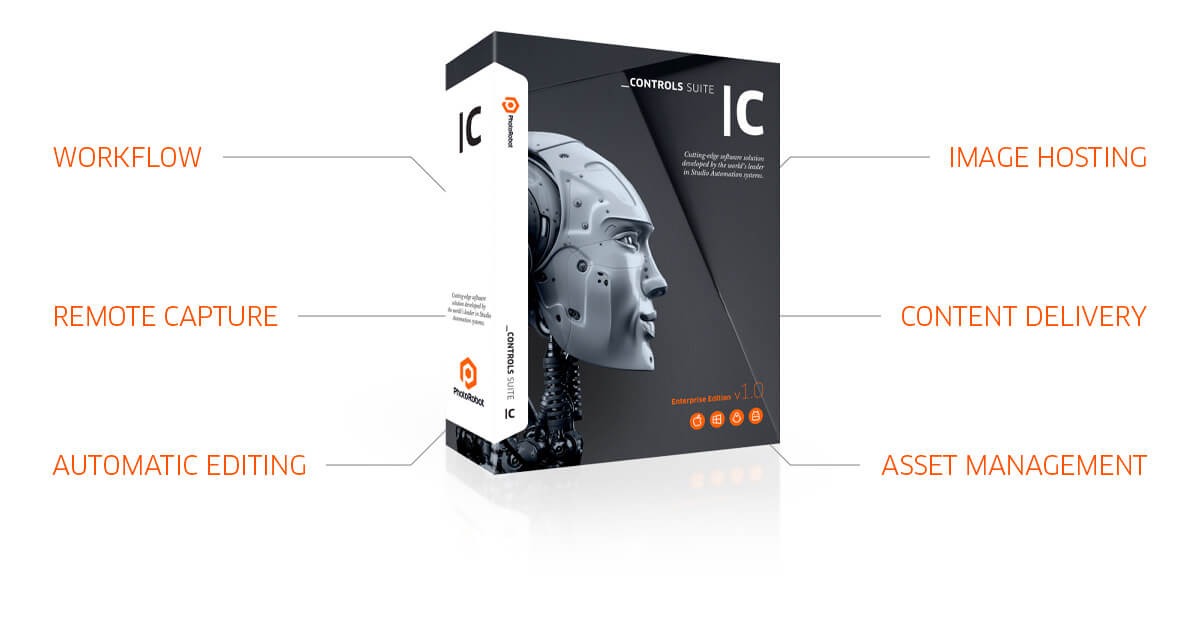
Megjegyzés: A gyártási munkafolyamat áttekintéséhez és a csapatok PhotoRobot-tal való megismertetéséhez nézze meg a PhotoRobot Workflow Video Demonstration-t.
Megoldási célok - PhotoRobot Controls Szoftver áttekintés
A PhotoRobot Controls szoftver céljai az ügyfélkövetelmények körül forognak, amelyek általában egyszerűek. Egyetlen kattintással az ügyfélnek sorozatfelvételeket kell készítenie egy tárgyról, hogy SPIN fotót hozzon létre, és STILL képekként használja azokat. A SPIN egy vagy több emelkedési szöget rögzíthet az objektum körül, míg a STILL képekből főképek, planogramok és marketingfotók válnak. Vegyünk például egy termék elölnézeti, oldalnézeti és felülnézeti fotóit merőleges szögből, lehetővé téve a szöveg megjelenítését különböző nézetekben.
Ezekben az esetekben a PhotoRobot segít megfelelni az ügyfélkövetelményeknek egy világos munkafolyamat révén, amely integrálja az egykattintásos rögzítést, utófeldolgozást és közzétételt. Az ügyfelek képesek az összes képet rögzíteni és automatikusan feldolgozni, meghatározott kitöltéssel vágni, a hátteret törölni vagy eltávolítani, és, ha lehetséges, automatikusan közzétenni a képeket.
Ugyanakkor a gyártás minden szakasza szigorú munkafolyamathoz kötött, egyedi dolgozók, berendezések és munkahelyek terhelési statisztikáival. Ez magában foglalja egy vagy több stúdió munkahelyeit, a világ bármely pontjáról, mindegyik abszolút adatbiztonsággal csatlakoztatva. Az ügyfelek számára ez teljesen összekapcsolt gyártósorokat eredményez egykattintásos munkafolyamatokkal, amelyek körülbelül 1 perc/termék gyártási sebességet kínálnak.
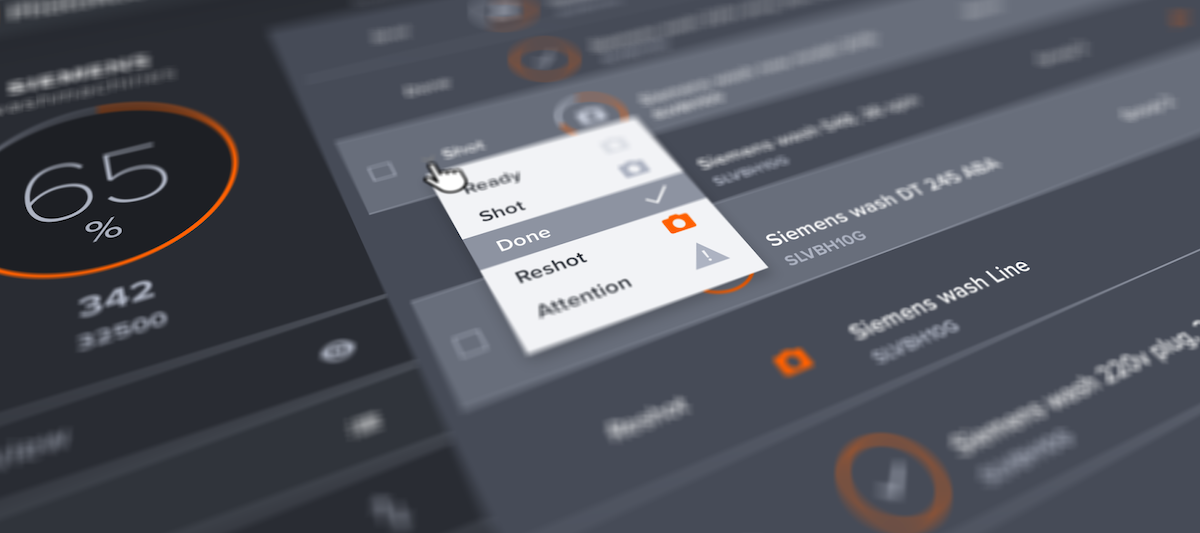
Megjegyzés: A háttér automatikus fehérítésére (automatikus hangolás tiszta fehérre 255,255,255), vagy átlátszó háttér biztosítására szolgáló standard eszközök mellett a PhotoRobot_controls eszköz chroma key maszkolást is kínál. Ez a funkció eltávolíthatja a fotózás során használt kellékeket, például a próbababa állványok eltávolítását olyan kulcsszín használatával, amelyet a képen máshol nem használtak.
Az elért idők a használt géptől és a képek számától függően változhatnak. A megadott adat 24 képet számol 50 Mpx felbontással, beleértve az utófeldolgozást és az online közzétételt 200 Mbs internetkapcsolattal.
Hogyan működik a megoldás
A speciális felhőalapú eszköz, a PhotoRobot _Controls App az optimális megoldás nemcsak a robotvezérlésre, hanem stúdiója vagy cége teljes digitális eszközkezelésére is.
A PhotoRobot _Controls fejlett funkciókat kínál 360°-os fotók rögzítéséhez, azok későbbi feldolgozásához és közzétételéhez az e-kereskedelmi platformján. A szoftvermegoldás lefedi a teljes gyártási munkafolyamatot, lehetővé téve, hogy előre meghatározza, hogyan fényképezzen különböző termékkategóriákat tömegesen. Ez drasztikusan csökkenti a teljes digitális tartalomkészítési folyamathoz szükséges időt – miközben maximális minőséget és termelékenységet biztosít.
- A rendszer „előbeállításokat” használ, amelyek előre definiált „szabályozásként” működnek, és irányítják a folyamatokat. Ez magában foglalja nemcsak azokat a szögeket, amelyekből a tárgyakat fényképezni kell, hanem a stúdiólámpák, kamerák és az egyes utófeldolgozó eszközök beállításait is. Így a legtöbb kép feldolgozása teljesen automatikus, egészen az online közzétételig.
- Alapértelmezés szerint a rendszer tartalmazza a vonalkód támogatást a projektek egyszerűbb szervezéséhez. Ez magában foglalja a termékeket, előre létező vagy automatikusan hozzárendelt kódok használatát, tárolási pozíciókat vagy mobil polcokat, a fotózásra való felkészültséget, sőt még a gépek vezérlésére vonatkozó utasításokat is, egyszerűen egy vonalkód beolvasásával. Az eredmény maximális időmegtakarítás.
- Ezenkívül a megoldás olyan eszközöket is kínál, amelyek kifejezetten ugyanazon elem automatikus több szögből történő képfeldolgozására szolgálnak. Vegyük például az automatikus középre igazítást olyan termékek esetében, amelyeket az operátor nem helyezett tökéletesen a forgás középpontjába. Eközben a közzétételi platform és a néző a Google CDN (Tartalomelosztó Hálózat) tartalomelosztását használja az ügyfél webhelyére. Minden kép kiváló minőségben és megfelelő felbontásban kerül kézbesítésre, függetlenül az aktuális szerverterheléstől.
- A PhotoRobot Controls App nem igényel telepítést. Az egyetlen dolog, amire szüksége van, egy modern webböngésző (a Chrome ajánlott) a rendszer honlapjának eléréséhez. Ezután beírja bejelentkezési adatait a Controls felület eléréséhez és bármikor dolgozhat benne. Továbbá, a Felhőnek köszönhetően, bárhonnan lehetséges a csatlakozás, bármikor.
- Szükség esetén az összes adat tárolható a fa struktúrában, exportálható és átvihető egy harmadik fél rendszerébe. Az adatok automatikusan exportálódnak – a konfigurációs paraméterek alapján felépített struktúrában.
Megjegyzés: Azok a munkaállomások, amelyekhez más perifériák (kamerák, stúdiólámpák, mérőrendszerek stb.) csatlakoznak, ingyenes illesztőprogram telepítését igénylik, amelyet a PhotoRobot Fiókjából tölthet le.
Rendszerajánlatokhoz: A PhotoRobot Controls ingyenes verziója (egy felhasználó, korlátozott adatfeltöltési méret a felhőbe) biztosított (beleértve az adatok tárhelyét 10 GB-ig). Bankkártya adatok csak a teljes felhasználói azonosításhoz szükségesek.
Digitális vagyonkezelés
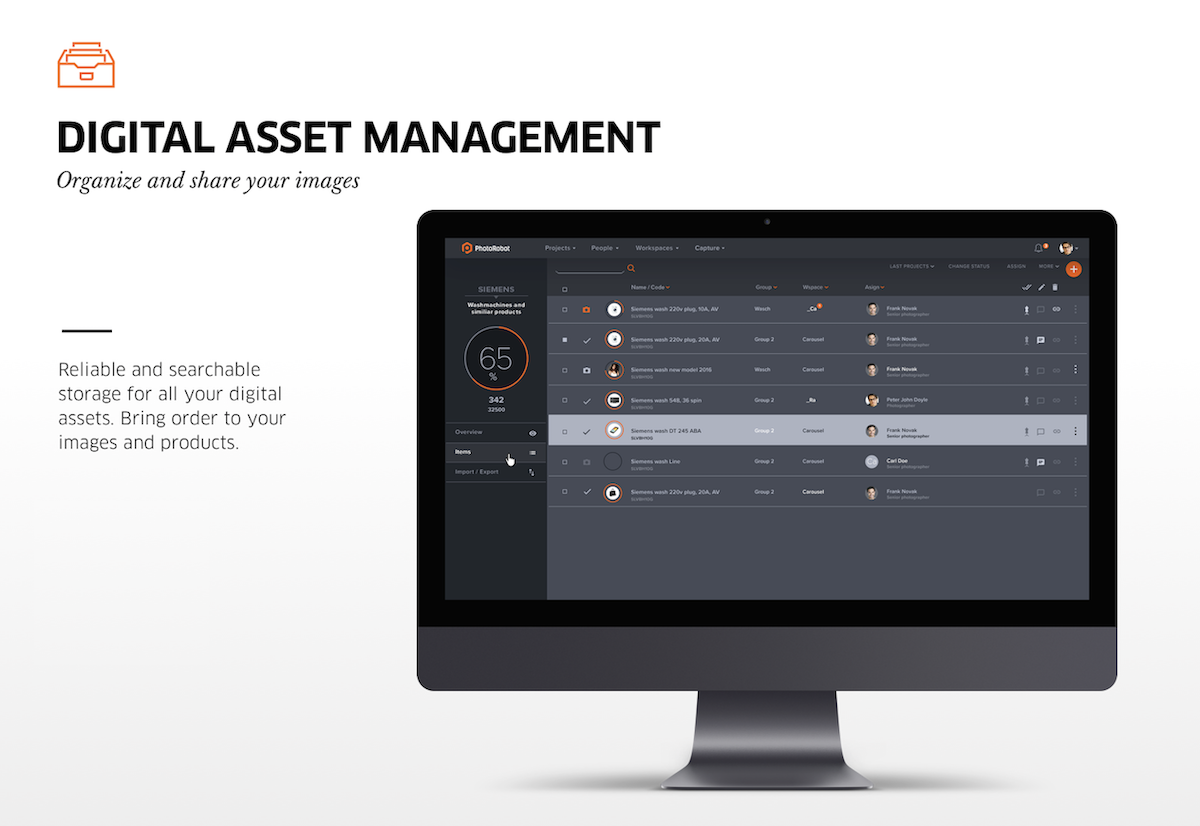
A digitális eszközkezelés tekintetében a PhotoRobot örömmel segít Önnek meglévő adatainak átvitelében egy másik rendszerből a PhotoRobot Controls-ba. A PhotoRobot Controls megbízható és kereshető tárolást biztosít minden digitális eszközéhez, rendet teremtve képei és termékei között.
Támogatott fájlformátumok
A támogatott fájlformátumok a következők: JPEG, WEBP és PNG (átlátszó háttérrel rendelkező képekhez).
Bár, ha szükséges, a RAW fájlok is támogatottak (a kompatibilis kamerák használatával), de csak a helyi hálózaton belül. A fájlokat letöltik a kameráról, majd strukturált mappákban tárolják. Ez a RAW fájlok nagy adatmérete miatt van.
Megjegyzés: Mivel a JPEG fájlok nem támogatják az átlátszó hátteret, a PNG-t használjuk a funkcionalitás biztosítására. Ugyanakkor a rendszer által létrehozott teljesen fehér háttér (255-255-255) JPEG formátumban is exportálható.
Szoftverfiókok, verziók és licencek
A PhotoRobot Controls App szoftver Felhő, Helyi és Hibrid verziókban létezik, licencekkel a Power User, Backstage User és Production User számára.
- A felhasználói licencek különböző felhasználói szinteket tesznek lehetővé az igényektől függően, és rugalmas árszinteket kínálnak, hogy segítsék a vállalatokat a megoldás optimalizálásában az igényeik szerint.
- Lehetőség van a licencek kombinálására, hogy a legjobban illeszkedjenek a csapaton belüli szerepekhez, és minimalizálják a stúdióműködéssel kapcsolatos havi díjakat.
- Tapasztalt támogatási csapatunk mindig elérhető a fizetős fiókok számára, hogy fenntartsa a gyártás sebességét.
A PhotoRobot Controls App verzióinak és licenceinek részletes árjegyzékéért lásd a PhotoRobot Controls Árak és Licencek oldalt.
A gyakorlatban a PhotoRobot Controls-t nemcsak professzionális fotósok és eCommerce szakemberek számára fejlesztettük ki. Hanem azoknak a dolgozóknak is, akik előkészítik a termékeket a fotózáshoz és biztosítják a logisztikájukat. Valamint azoknak a vezetőknek, akik tökéletes áttekintést és ellenőrzést szeretnének a projekt felett – biztosítva a teljes stúdió munkafolyamat (és annak részletes ellenőrzéseinek) szükséges hatékonyságát.
Minden képfelvétel automatikusan tárolódik, majd azonnal biztonsági mentés készül a PhotoRobot Cloudba. Mindez a Google platformon belül történik, amely a legmagasabb szintű biztonságot és stabilitást nyújtja – szemben a helyi megoldásokkal, ahol hasonló szabványok eléréséhez jelentős beszerzési és üzemeltetési költségek szükségesek.
A teljes rendszer üzemeltetési összköltsége
Szükséges meghatározni a felhasználói licencek teljes számát és típusát a rendszer összköltségének becsléséhez.
A felhasználói licencek: Power User, Backstage User és Production User.
- Power User: Licenc a maximális termelékenységhez párhuzamos gyártásban, helyi rögzítéssel és felhő alapú utófeldolgozással egyidejűleg
- Termelési felhasználó: Licenc helyi rögzítéshez & utófeldolgozáshoz, felhőalapú adatkezeléshez és közzétételhez
- Backstage User: Licenc olyan csapattagok számára, akik csak a válogatást, súlyozást, mérést, előkészítést, publikálást kezelik.
Például a Backstage User licenc olyan felhasználók számára készült, akik a stúdió működésével kapcsolatos összes tevékenységet kezelik. Ez magában foglalja a fényképezett tárgyak fogadását és kiadását, mérését, előkészítését, minőségellenőrzését, kommentálását, adatok importálását és exportálását stb.
Másrészről a Production User licenc azoknak a felhasználóknak szól, akik az automatizált fotózást és képfeldolgozást kezelik. Minden képfeldolgozás előre definiált forgatókönyvek – „presetek” – szerint történik. Eközben a Production User licenc ára tükrözi a speciális grafikus kártyák és a számítási teljesítmény használatát a felhőmegoldáson belül. Ez csökkenti az egyébként szükséges költségeket, például az erős grafikus munkaállomások és a helyben telepített számítógépes programok helyi licenceinek költségeit.
A felhőalapú képfeldolgozás, képtárolás és CDN költsége a képtárolás teljes mennyisége (adatmennyiség) alapján kerül meghatározásra.
- A feldolgozási és tárolási költség csökken a tárolt adatok mennyiségének növekedésével. Bár az adatok időszakosan törölhetők a tárolási költségek csökkentése érdekében, a gyakorlatban a legtöbb ügyfél kihasználja a fokozatosan csökkenő árakat. Ebben az esetben az adatok véglegesen archiválódnak a felhőben.
- A rendkívüli költségcsökkentés érdekében helyi feldolgozás és tárolás (az ügyfél gépén) kérésre elérhető – anélkül, hogy feldolgozási díjat számítanánk fel ezért. Csak egy nagy teljesítményű CPU-val és GPU-val rendelkező számítógép szükséges.
Végül, a licencek száma az ügyfél aktuális igényeihez igazodik.
- Az ügyfél egy ügyfélfiókot használ rendszergazdai jogokkal (több is lehet a rendszerben) a licencelés kezelésére.
- A minimum egy Backstage licenc és megfelelő mennyiségű tárhely.
- A tárhelyért nem számítunk fel díjat, hacsak nem haladja meg a 10 GB-ot.
- A licencek havi díjakkal járnak – legalább egy számlázási időszakra.
- A licencek BE- vagy KIKAPCSOLHATÓK az ügyfél aktuális igényei szerint.
Integrált PhotoRobot Viewer: Képtárhely és SpinViewer
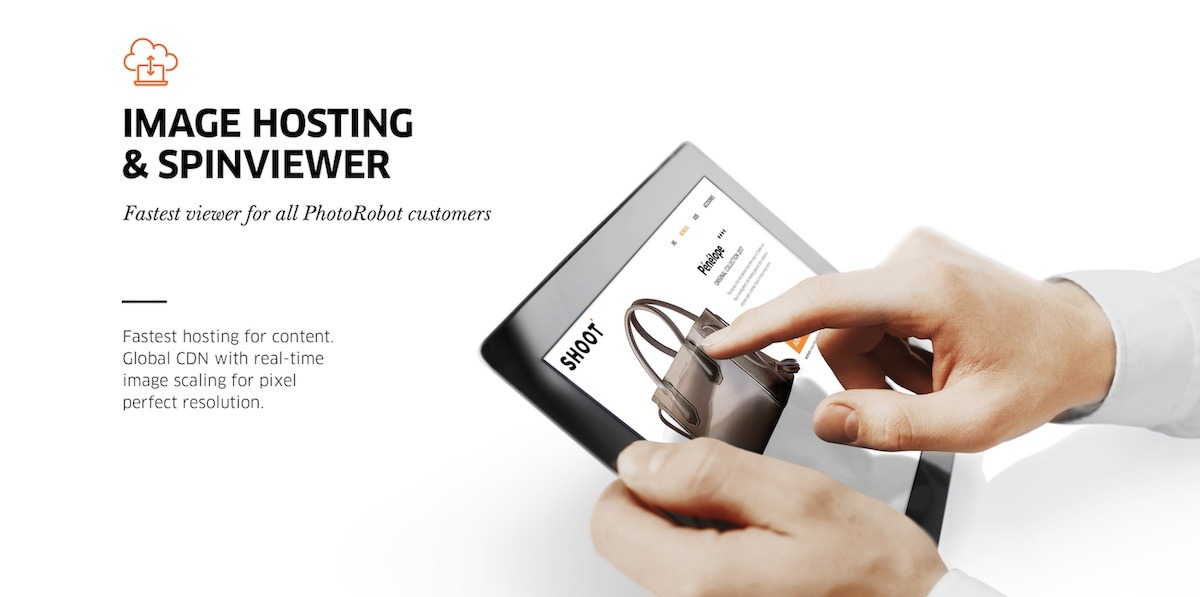
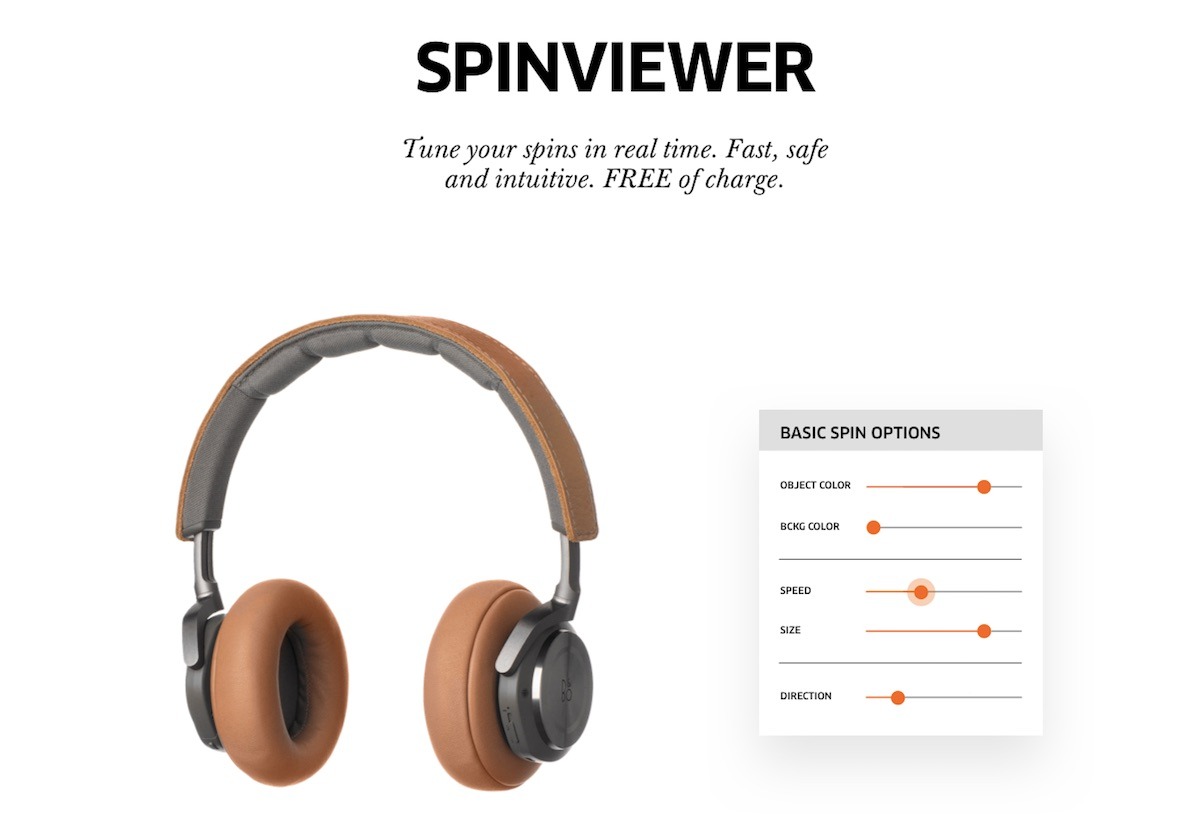
Az integrált PhotoRobot Viewer és Spin Viewer egy élvonalbeli 2D + 3D + 360 képnézegető, ingyenesen, folyamatos frissítésekkel a PhotoRobot tárhely részeként. Könnyen integrálható weboldalakba, e-boltokba, eCommerce platformokba és bárhová, ahol termékei online megjelennek.
A PhotoRobot Viewer paramétereinek részletes technikai megértéséhez tekintse meg a PhotoRobot Fejlesztői Portált.
A PhotoRobot Viewer lehetővé teszi a terméktartalom egyszerű online terjesztését: képgalériák, packshotok, 360 fokos forgatások, hotspotok, panorámák és még sok más. A Viewer elrendezések teljesen testreszabhatók, opcionális miniatűr navigációval a különböző képformátumokhoz.
Nincs fájlok manuális (vagy szkripttel történő) másolása és közzététele egyik rendszerből egy kiadói platformra. Ehelyett minden rögzített kép azonnal elérhető az interneten, harmadik féltől származó platformokon és e-kereskedelmi feedeken. Ugyanakkor a felhőalapú, globális tartalomelosztó hálózat (CDN) valós idejű skálázást, gyors betöltést és pixelpontos felbontást biztosít bármilyen eszközön.
Rendszerintegráció és Gazdag API Kapcsolat
A teljes tartalomgyártási folyamat optimális termelékenységéhez szükséges a képkészítő rendszer összekapcsolása az ügyfél meglévő rendszereivel. Ez magában foglalja az adatok PhotoRobot Controls-ba történő bemenetének, valamint az adatkimenet szintjén történő összekapcsolást. Az integrációs folyamat áttekintéséért tekintse meg a PhotoRobot System Integration & API Summary dokumentumot. Ez technikai információkat tartalmaz a PhotoRobot API-król, hasznos forrásokkal az automatizáláshoz és a műszaki csapatok fejlesztéséhez.


EOS Rebel sorozat


EOS DSLR sorozat


EOS M tükör nélküli sorozat


PowerShot sorozat


Közeli / Kézi

A Canon EOS Rebel sorozat kezdőbarát DSLR fényképezőgépeket kínál jó képminőséggel, intuitív kezelőszervekkel és sokoldalú funkciókkal. A fotózás szerelmeseinek ideális fényképezőgépek megbízható autofókuszt, változtatható szögű érintőképernyőket és Full HD vagy 4K videofelvételt biztosítanak.
Kapcsolat
Felbontás (MP)
Felbontás
A Canon EOS DSLR sorozat kiváló minőségű képeket, gyors autofókuszt és sokoldalúságot biztosít, így ideális fotózáshoz és videókészítéshez egyaránt.
Kapcsolat
Felbontás (MP)
Felbontás
A Canon EOS M tükör nélküli sorozat a kompakt kialakítást a DSLR-hez hasonló teljesítménnyel ötvözi. A cserélhető objektívekkel, gyors autofókusszal és kiváló minőségű képérzékelőkkel rendelkező kamerák kiválóan alkalmasak az utazók és a tartalomkészítők számára, akik a képminőség feláldozása nélkül keresik a hordozhatóságot.
Kapcsolat
Felbontás (MP)
Felbontás
A Canon PowerShot sorozat kompakt, felhasználóbarát fényképezőgépeket kínál az alkalmi fotósok és a rajongók számára. Az egyszerű point-and-shoot-tól a fejlett zoomkamerákig terjedő modellekkel kényelmet, stabil képminőséget és olyan funkciókat biztosítanak, mint a képstabilizálás és a 4K videó.
Kapcsolat
Felbontás (MP)
Felbontás
A Canon közeli és kézi kamerákat részletes, közeli fotózáshoz és videózáshoz tervezték. Kompakt és könnyen használható, precíziós fókuszt, nagy felbontású képalkotást és sokoldalú makrófunkciókat kínálnak – tökéletesek vlogoláshoz, termékfotózáshoz és kreatív közeli felvételekhez.
Kapcsolat
Felbontás (MP)
Felbontás


